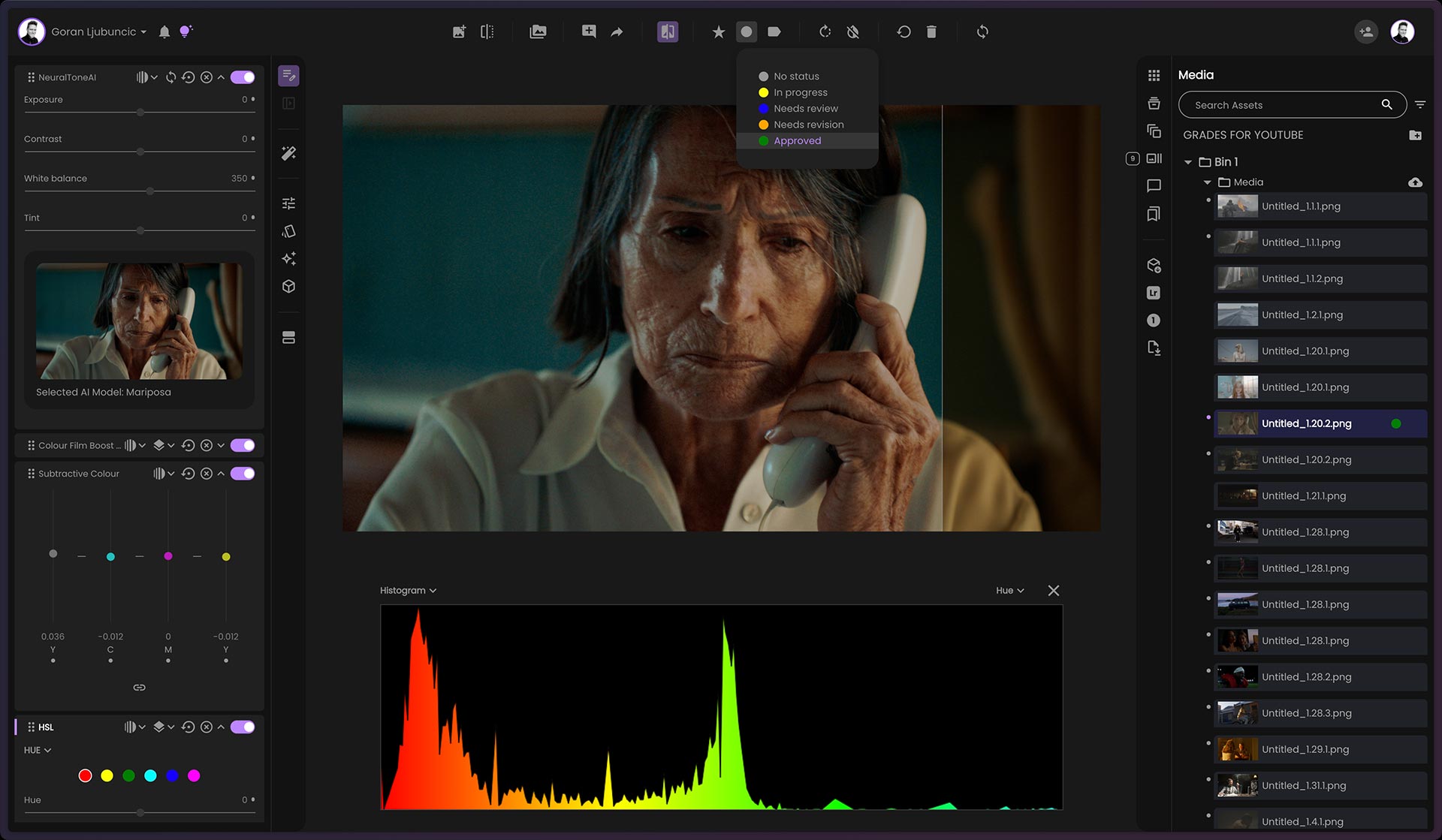
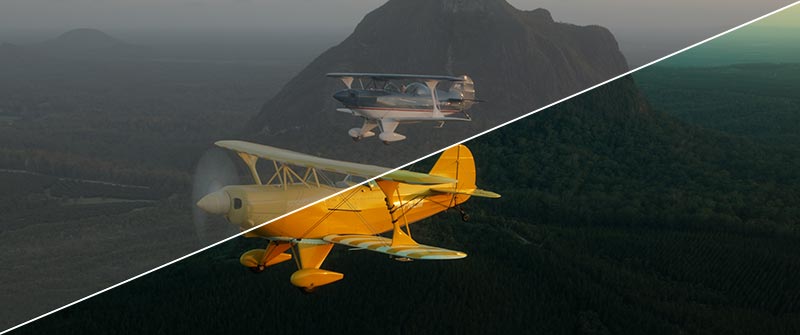
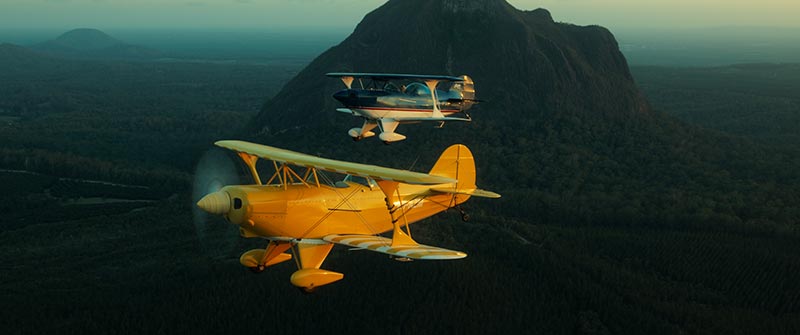
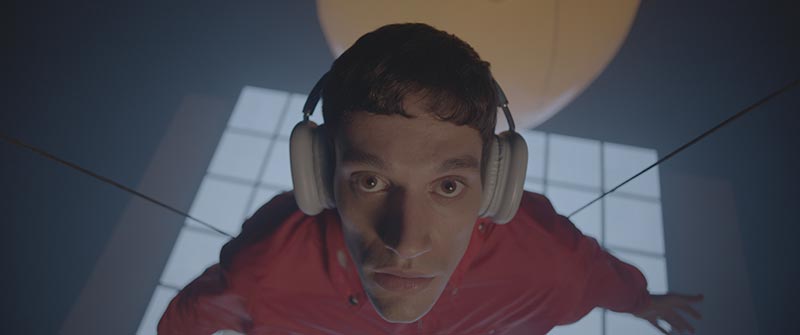
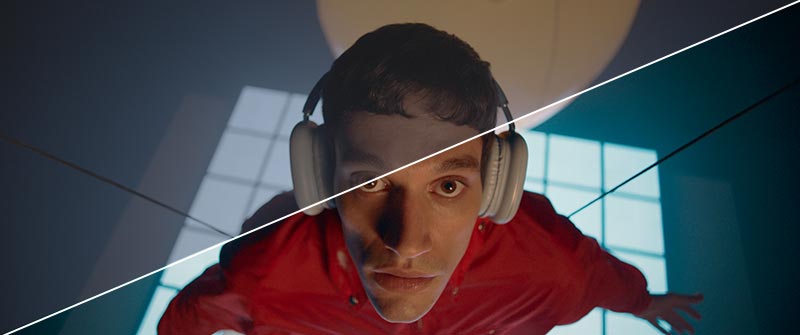
Bring your visuals to life with our AI-powered browser app—instant, cinematic colour grading at your fingertips, no downloads required.
Film perfect. AI powered.
Experience true-to-film grading with NeuralToneAI and NeuralFilmAI—smart features that deliver faithful film aesthetics, timeless looks, and endless creativity right in your browser.
Sync your colour grades from fylm.ai back to Premiere Pro with just one click. No manual downloads, LUTs, or round-trips—your grade appears instantly on your timeline, exactly where it belongs.
Export a LUT for any software
If you use other software, no problem. With fylm.ai you can always export a 3D LUT, XMP profile or a Capture One style making it effortless to integrate into virtually any workflow—from DaVinci Resolve to Photoshop and Affinity to Capture One. Whatever you use, fylm.ai fits right in.
With fylm.ai, you can effortlessly bring the timeless beauty of film to your digital photos like no other tool can. In just a few clicks, you’ll recreate the richness, depth, and emotion of classic film stocks—without the complexity. Every. Single. Time.
Your workflow. Your rules.
No matter your workflow, fylm.ai fits right in. Whether you’re shooting fashion, commercial campaigns, weddings, or working tethered in the studio, fylm.ai adapts seamlessly to your process. It’s built to support the way you create—so you can focus on the art, not the limitations of your tools.
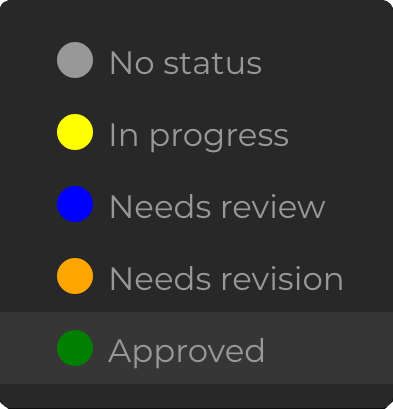
Gather feedback effortlessly with built-in commenting—right inside Premiere Pro. Your team’s thoughts appear instantly, directly alongside your colour grades, with no need for link sharing or switching tools.
Your comments live alongside your grades.
Whether you’re working with directors, producers, or clients, everyone stays aligned and involved. Comments live alongside your grades, making creative decisions faster, more transparent, and easier to track.
Intuitive and fun approach to colour grading.
Get better results. More quickly.
Client feedback
Don’t just take our word for it
Anyone with even the briefest experience of colour grading a photo in any other professional app, or even just on Instagram, will find it easy and intuitive enough to get started with fylm.ai
If you do video and stills as a one-man’s band, fylm.ai can greatly speed up your workflow and help with the frustration of trying to maintain a coherent look all the way through.
I see fylm.ai as a whole new approach to color grading to create looks while you collaborate with other team members remotely. A 100% visual approach, so to speak. Often only the colorist is able to translate an idea into a look. With fylm.ai, anyone can achieve that.
fylm.ai's colour matching is phenomenal. The ability to match digital to analog film and capture the organic character of real celluloid in a LUT with just a few clicks is a game-changer.
Brilliant colour grading tools
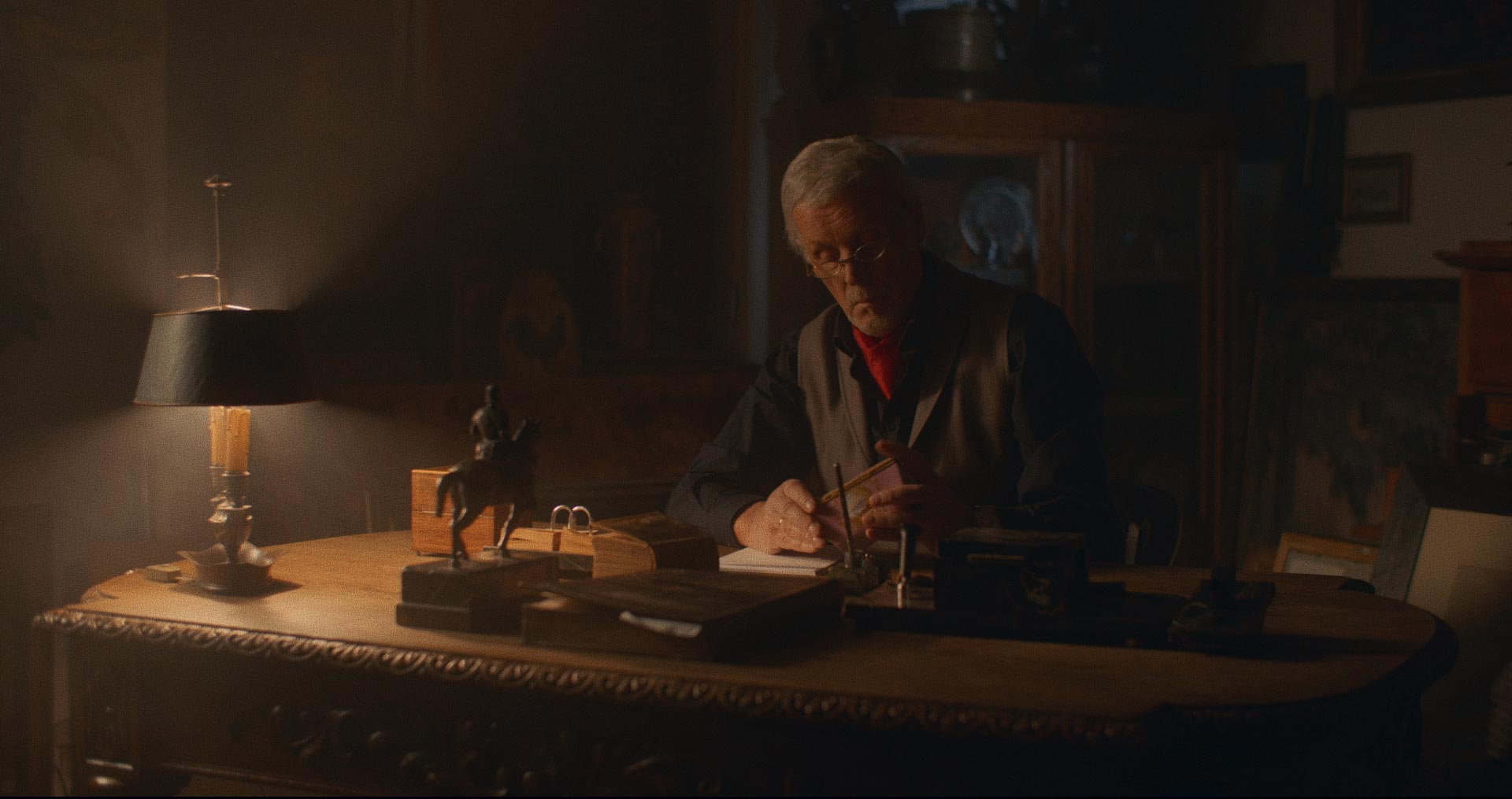
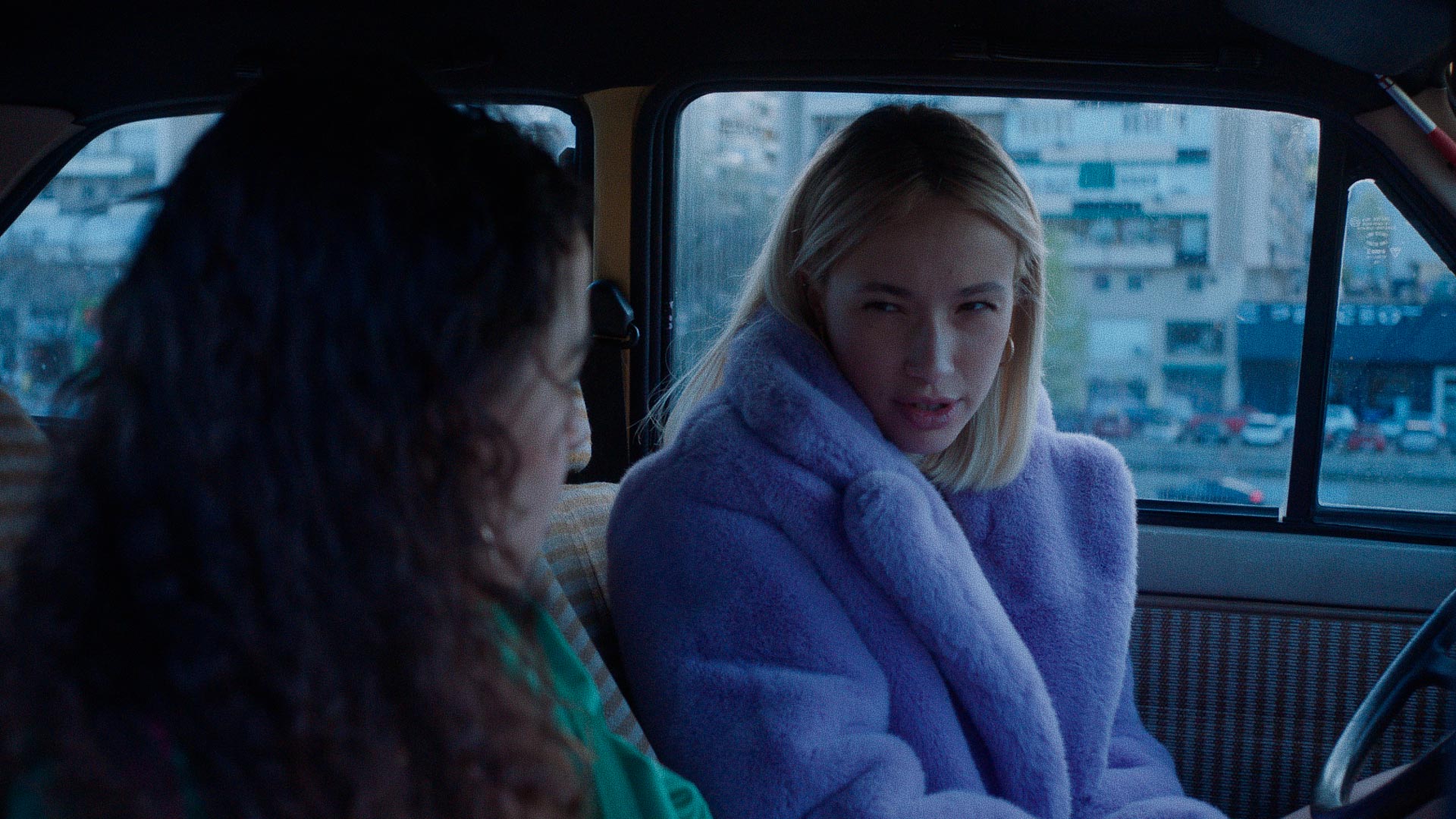
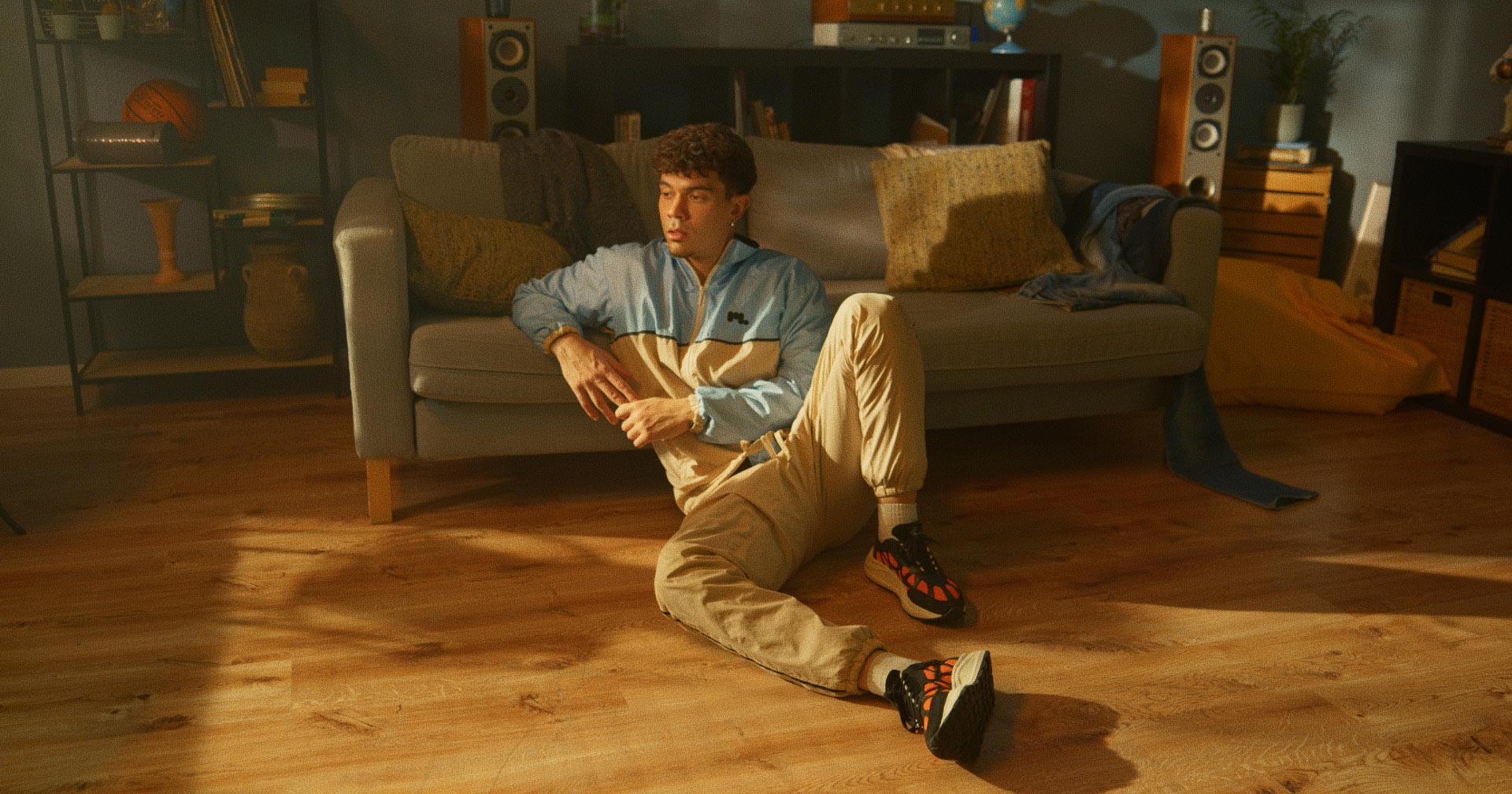
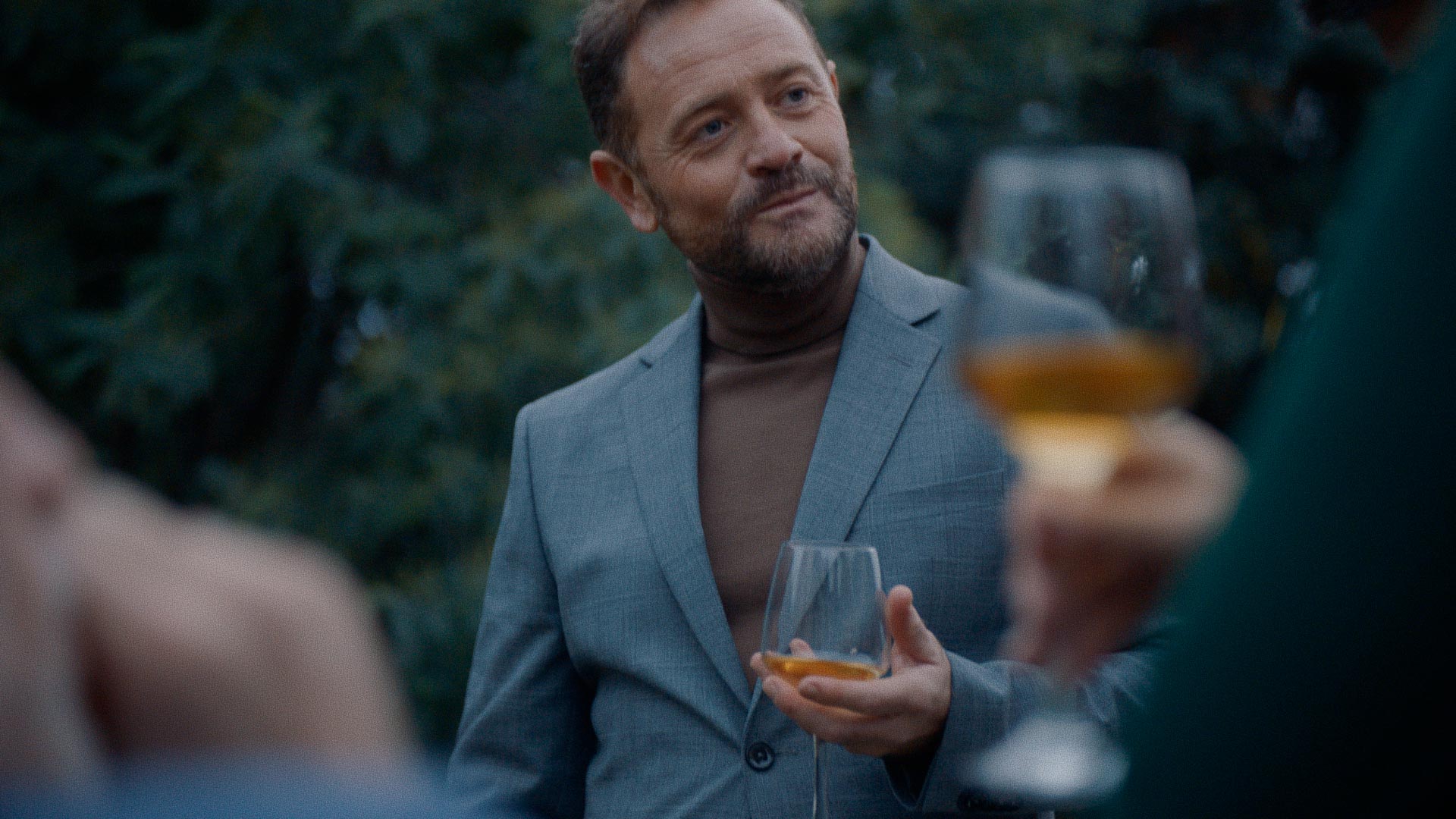
Create stunning looks, based on proven colour science easily and effortlessly. With multiple tools based on real film colour science and response, fylm.ai makes it easier than ever to bring true Hollywood colour grading to your images.
Film-like colours
Achieve true-to-life filmic grades
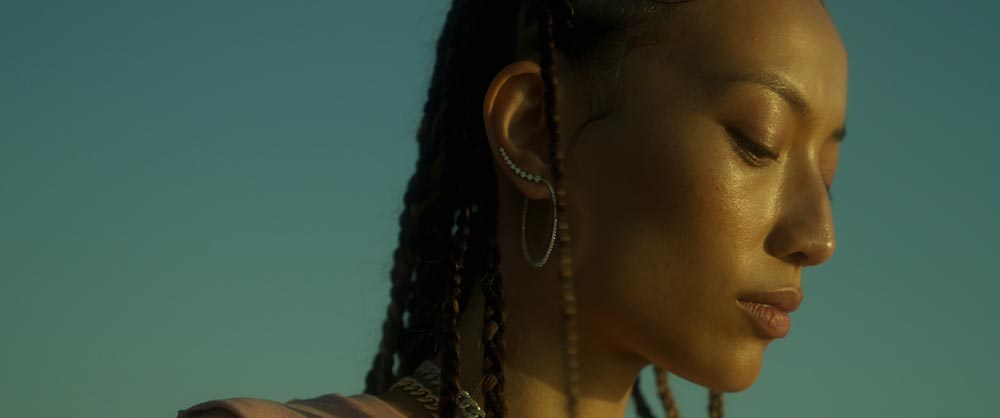
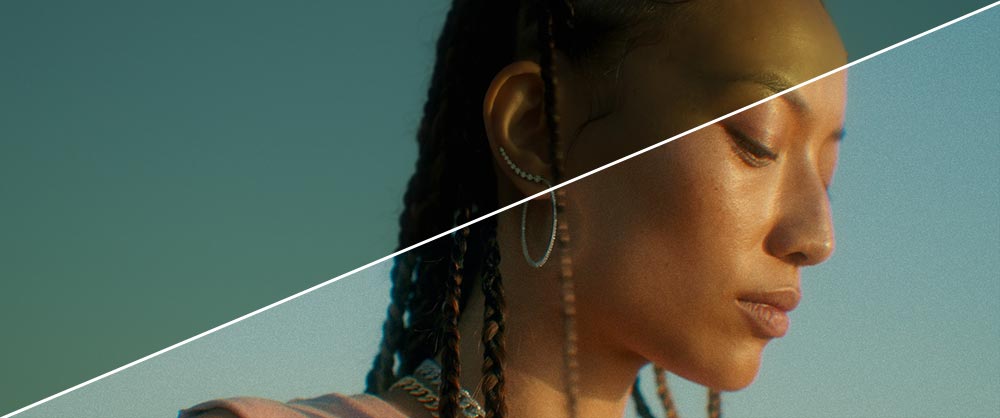
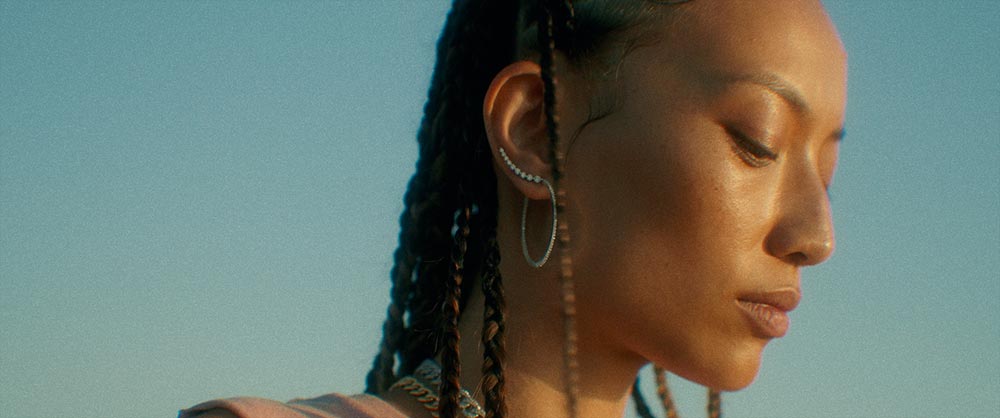
Achieving rich, film-like colour has never been easier. With advanced tools like Tetrahedral Interpolation for ultra-smooth colour transitions, Filmic Density for authentic analogue depth, and next-generation NeuralFilmAI and NeuralToneAI for intelligent, cinematic grading, you can transform your footage with unparalleled precision and artistry. Bring true film emotion to every frame—effortlessly.
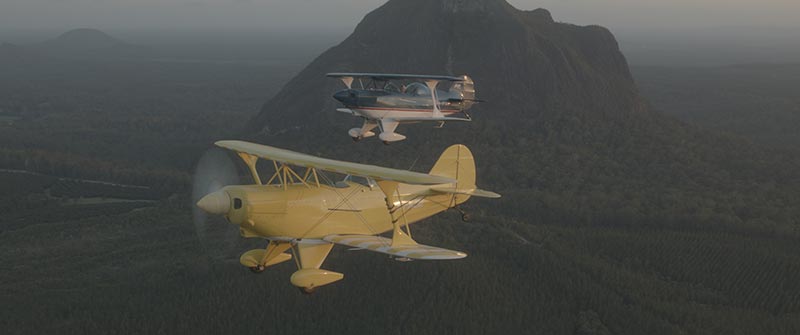
fylm.ai is the easiest, fastest way to create stunning colour grades—no experience required. With an intuitive interface and a powerful suite of film-inspired tools, you can establish a beautiful, professional look in seconds. Whether you’re a seasoned colourist or completely new to grading, fylm.ai empowers you to elevate your visuals effortlessly and achieve cinematic results with confidence.
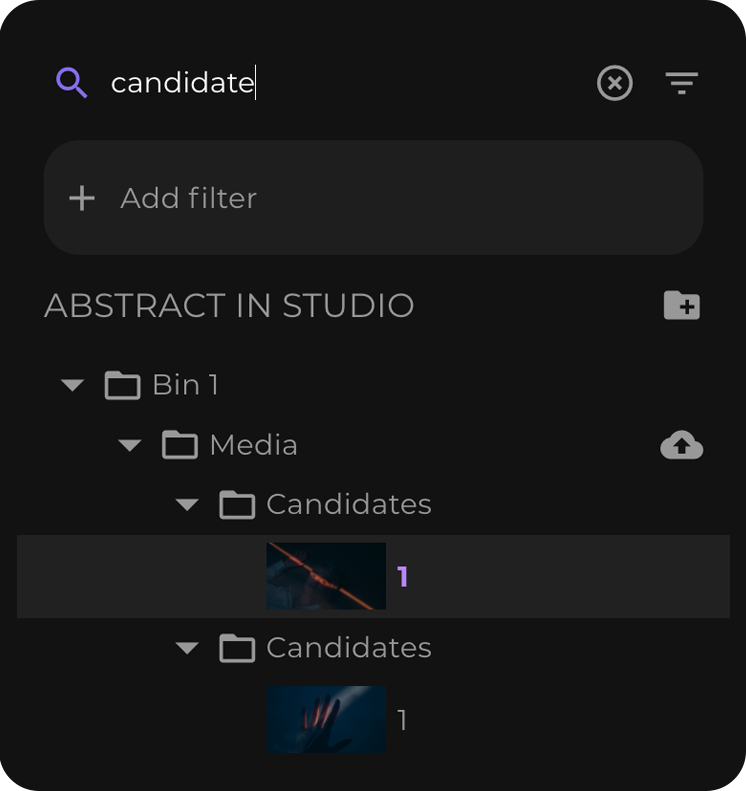
Seamlessly manage all of your assets in one place. Everything is always accessible and available. For everyone on your team. Easily filter your project assets. Cut to the chase in seconds. Search is instant and so is filtering. This is project management on steroids.
fylm.ai lives in the browser making it easier to share, collaborate and present, wherever you are.
Up to x10 times faster look creation
fylm.ai makes look creation effortless by democratising the colour grading process. With fylm.ai, anyone can create stunning looks and harness the power of deep learning neural networks to create epic looks in a matter of seconds.
Establishing show look
fylm.ai (up to x10 times faster)
Traditional on-set look creation
fylm.ai (up to x3 times faster)
Digital intermediate
fylm.ai (up to x2 times faster)
Create a colour grade for any workflow
fylm.ai creates colour managed, scene referred LUTs which can be used in any workflow.
Digital intermediate workflow
1
Lock your edit in place. You are now ready to export assets into fylm.ai.
2
Import stills or videos into fylm.ai and establish an amazing grade easily.
3
Export a color managed, scene-referred LUT and finish in any software.
On-set show look creation
1
Create test material that faithfully represents your principal art direction.
2
Import stills or videos into fylm.ai and establish an amazing grade easily.
3
Export a camera tailored LUT and load it to your camera or monitor.
Still photography
1
Import your best Raw files to fylm.ai. You can use non-raw formats as well.
2
Create amazing and accurate film-like colour grades effortlessly.
3
Export your grade as a LUT, XMP profile or Capture One style, or save a graded image.
Start with absolutely the best colour-managed LUTs and adapt them to your needs.
fylm.ai LUT packs are your go-to all-in-one solution for LUT creation and colour grading. Built from the ground up for colour managed workflows, these are the only LUTs you will ever need.